Welcome to Phaselaw: What Is This Tool and How Does It Work?
Last updated: August 14, 2026
In this article: A quick introduction to Phaselaw, what it's designed to do, and how a typical case flows from start to finish.
What is Phaselaw?
Phaselaw is a document review and redaction platform designed to help teams handle formal disclosure requests, like Data Subject Access Requests (DSARs), and Freedom of Information (FOI) requests- quickly, accurately, and with a clear audit trail.
If you've ever had to manually sift through hundreds (or thousands) of documents to find, review, and redact personal data, Phaselaw is built to take the pain out of that process. What used to take weeks can often be completed in days.
Who uses Phaselaw?
Phaselaw is used by a wide range of people, including:
Data Protection Officers (DPOs) managing compliance obligations
Legal and privacy teams handling sensitive disclosure requests
Public sector teams responding to high-volume FOI requests
Account administrators setting up and managing their organisation's workspace
How does Phaselaw work?
Every document, review decision, redaction, and export in Phaselaw lives inside a case. A case represents a single disclosure request- for example, one DSAR from one individual.
Here's how a typical case flows from start to finish:
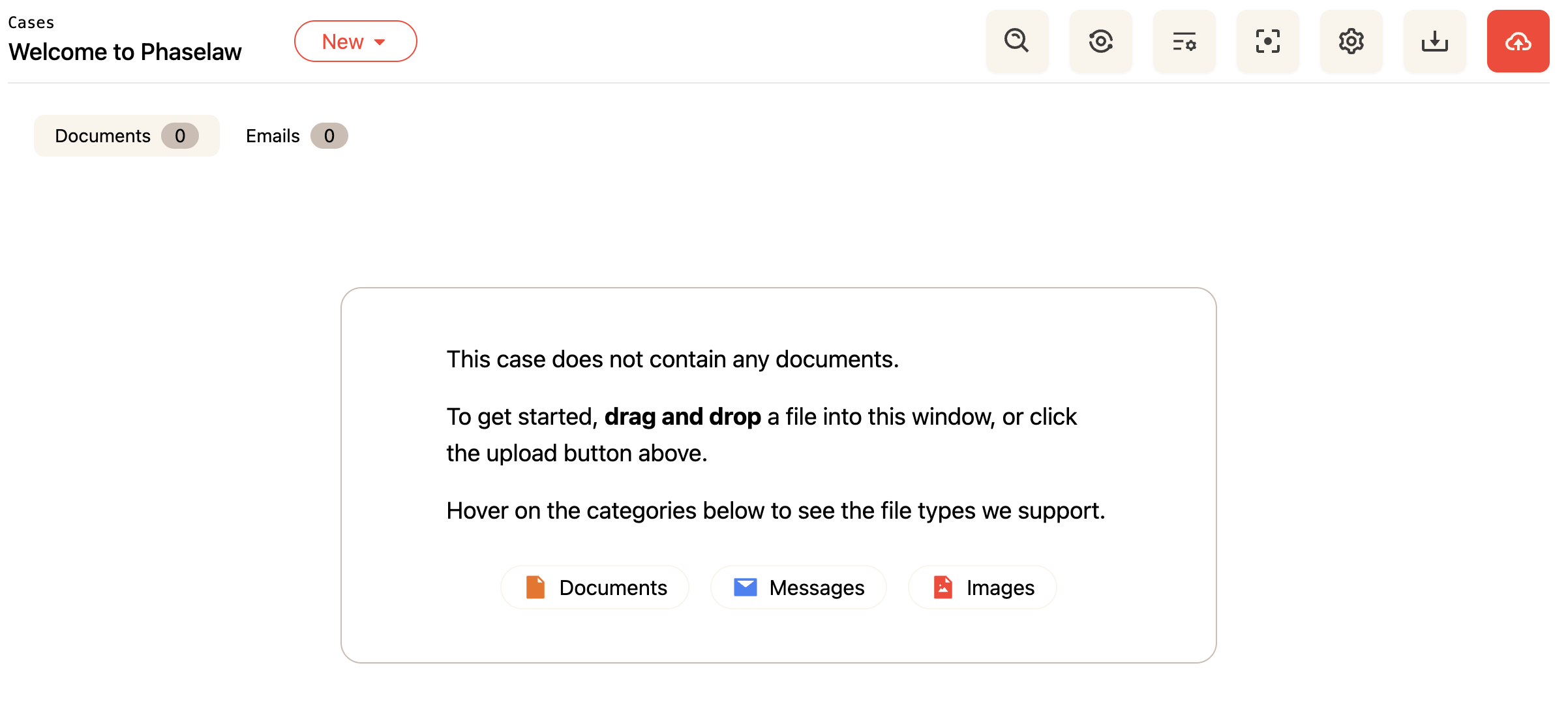
1. Upload your documents
You gather all the files relevant to the request and upload them into a case. Phaselaw accepts almost any file type - emails, Word documents, PDFs, spreadsheets, images, and more - with no conversion needed on your end.
2. Phaselaw processes your files
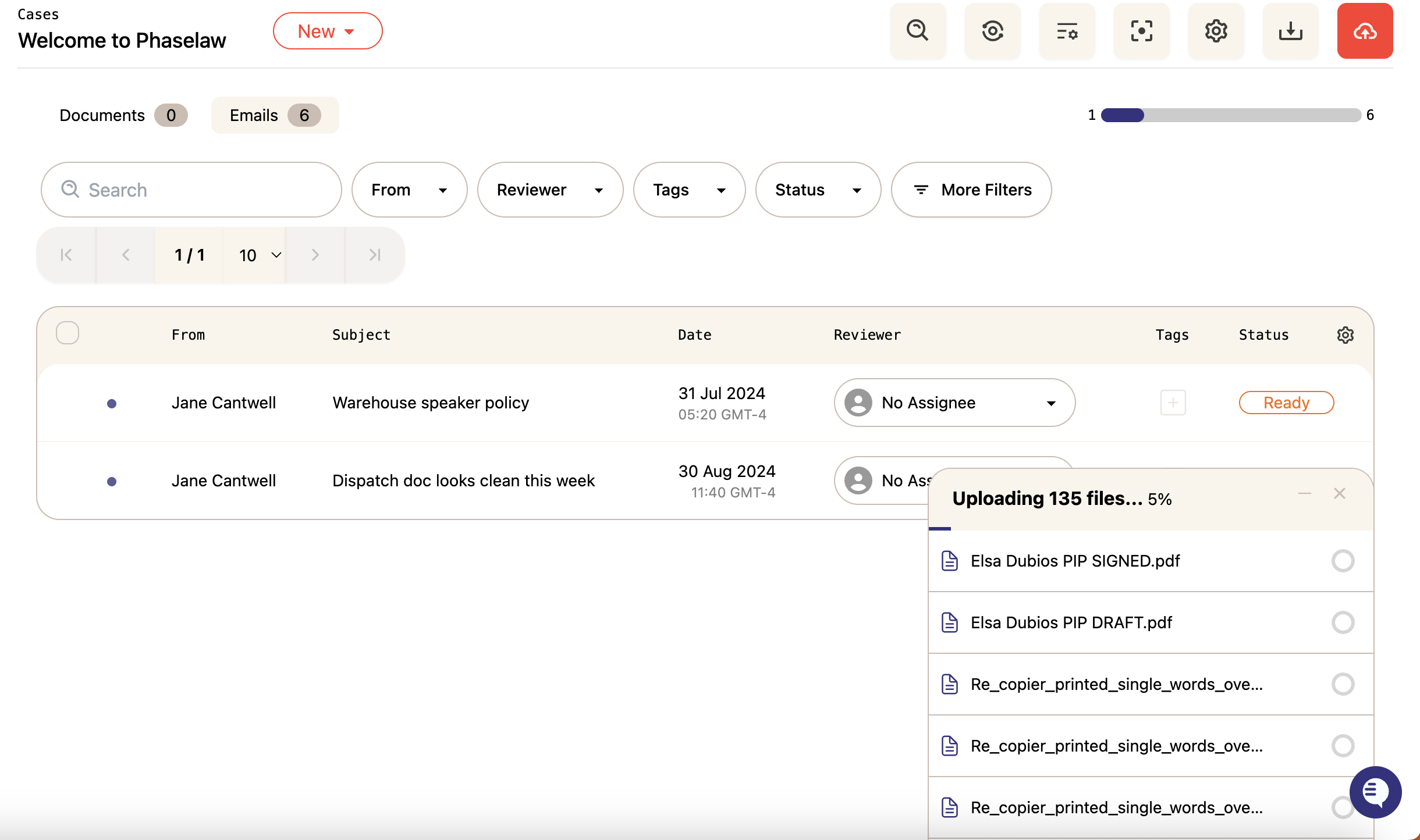
Once uploaded, Phaselaw gets to work automatically. It converts everything into review-ready PDFs, removes exact duplicate files, separates email attachments for independent review, and flags personal data ready for redaction.
3. Review your documents
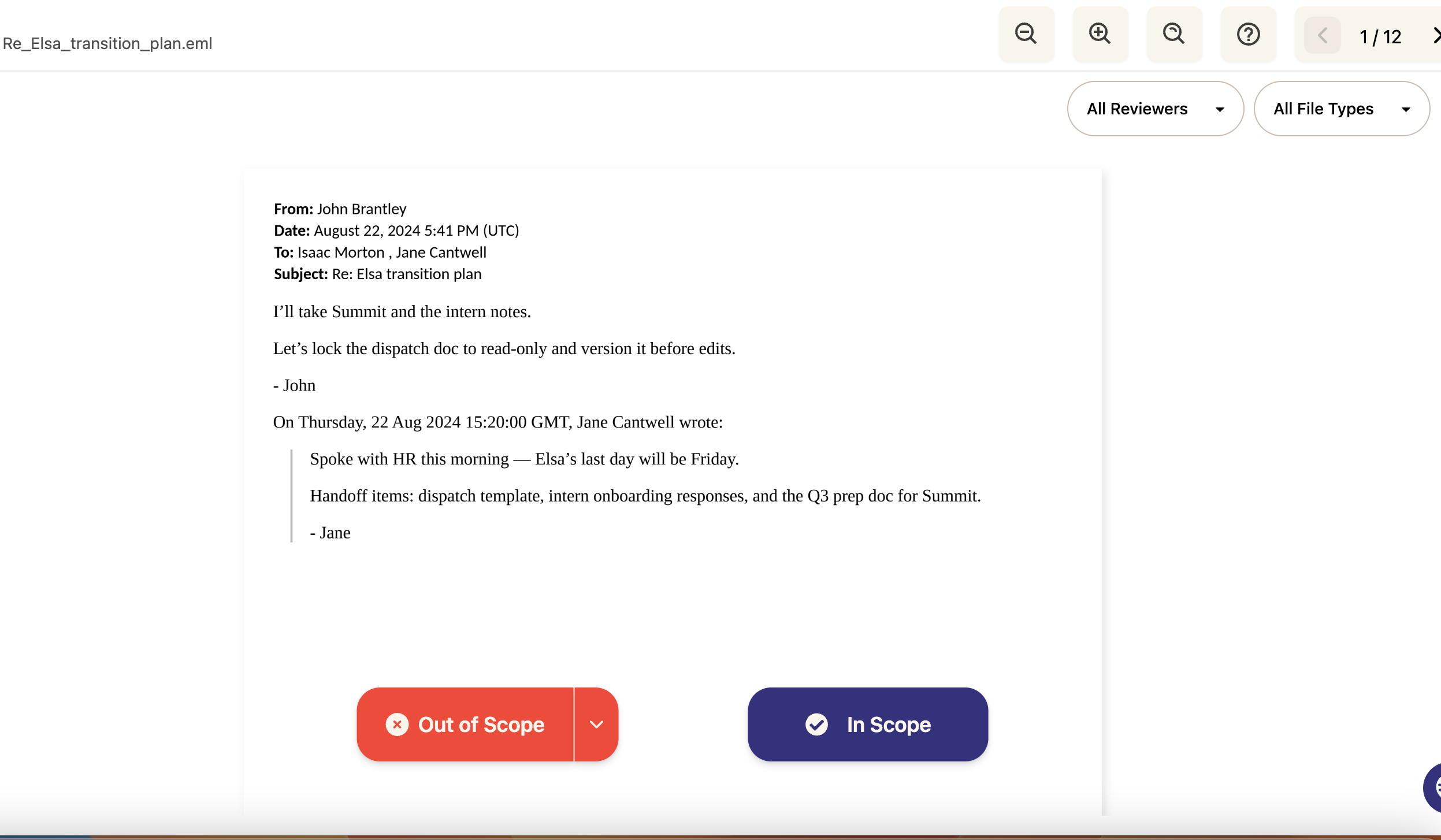
You work through the document set, deciding which files are in scope (relevant to the request) and which are out of scope (not relevant and therefore excluded from the final disclosure). Phaselaw's search and triage tools help you move through large document sets quickly.
4. Redact sensitive information
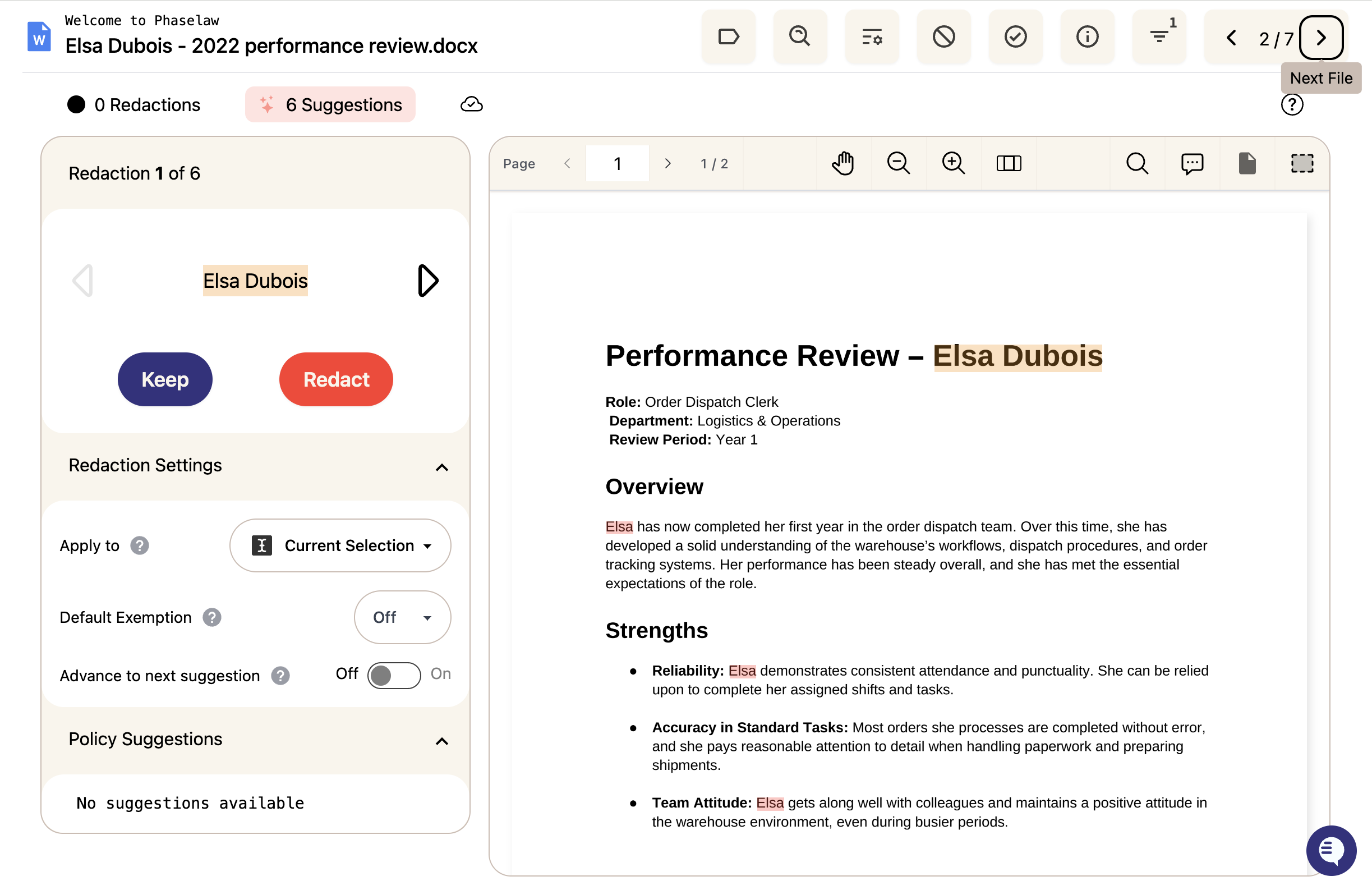
For documents that are in scope, you review and apply redactions to any information that shouldn't be disclosed - such as third-party personal data. Phaselaw suggests redactions automatically, and you can accept, dismiss, or adjust them. You can also make manual redactions, and apply these to the document, or across the entire case.
5. Export your disclosure
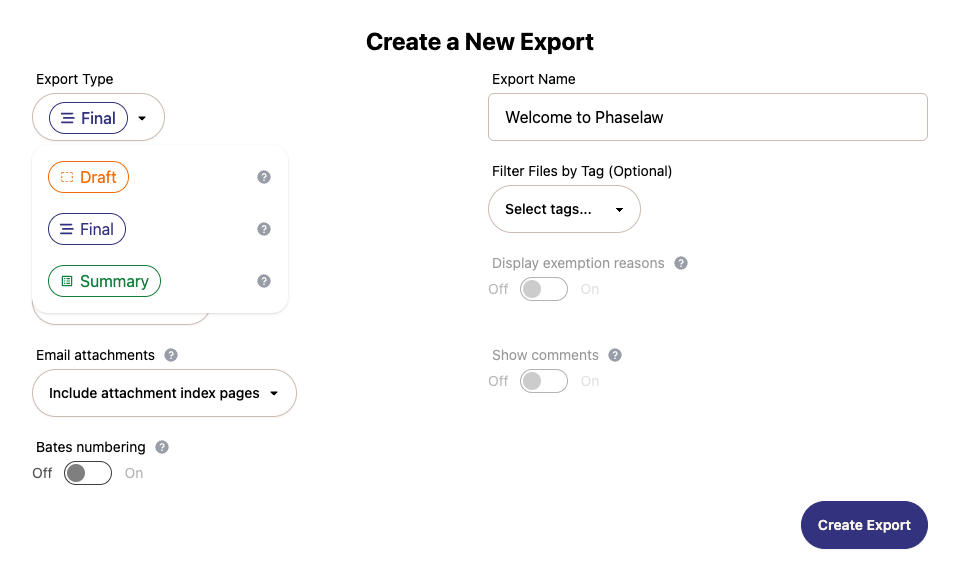
When you're happy with the review, you export the final, redacted document set. Phaselaw also generates a summary report that documents every decision made during the case - your audit trail.
Security and your data
Phaselaw is built to handle sensitive personal data. Your data is hosted in your region of choice and never shared with third-party AI. Phaselaw is GDPR compliant, SOC2 Type II certified, and subject to annual third-party penetration testing. For more information, see: https://trust.phaselab.co/
What's Next?
New to Phaselaw? → How to Log In (Including SSO)
Just logged in for the first time? → A Tour of the Phaselaw Interface