Using Keyboard Shortcuts to Speed Up Redaction
Last updated: August 20, 2026
In this article: A reference guide to the keyboard shortcuts available in the Phaselaw document viewer.
Keyboard shortcuts let you move through documents and apply redactions without reaching for the mouse — useful when working through large numbers of suggestions.
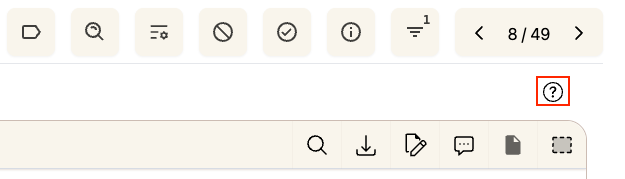
To view shortcuts at any time, click the ? icon in the document viewer toolbar.
Navigation
Action | Shortcut |
|---|---|
Next Selection |
|
Previous Selection |
|
Next Document |
|
Previous Document |
|
Search Document |
|
Redaction
Action | Shortcut |
|---|---|
Redact Current Selection |
|
Keep Current Selection |
|
Redact All Remaining Suggestions |
|
Keep All Remaining Suggestions |
|
Select Exemption |
|
More information
Undo or review your redactions → Viewing and Undoing Redactions